




Game Development in Unity (6.3)
- Level High School
- Contact Hours 140
- Timeframe Year
Students will embark on an exciting journey to master the fundamentals of game design and programming. Through hands-on projects and engaging challenges using the Unity game engine and CodeHS lessons, students will learn to create interactive and visually captivating 2D and 3D games. This course equips students with essential programming skills in C# and Unity's scripting system while honing their problem-solving abilities and fostering creativity in game development. Note: Student devices must be able to download and install the Unity platform (not compatible on Chromebooks).
For more information on the release of this course, check out this article.
To view the entire syllabus, click here or click to explore the full course.
MODULES - 5
Explore the world and evolution of video games. Students will learn about the history of video games and be introduced to the MDA framework as a tool to analyze and design games. Students explore game mechanics and discover methods for designing accessible games. They'll also practice creating a basic game design document.
Get hands-on with the Unity game engine. Students learn about different types of game engines and how to weigh benefits and tradeoffs of selecting a game engine for a development project. They'll also learn how to obtain and import game assets, set up a code editor, and import Unity C# scripts.
Sharpen your Unity C# scripting skills. Students begin using the Unity scripting API with basic C# scripts in simple 2D Unity projects. They begin using functions, declaring variables, and defining classes.
Create your first 2D game in Unity. Students walk-through the process of developing a 2D skiing game based on a provided game design document. This gives students a model design document to work from as they learn technical Unity and scripting skills.
Building on their 2D game development skills, students learn game world building techniques unique to 3D games, such as lighting effects, camera angles and movement, particle systems, and sound sources. Students learn about different game elements and environments, and the impact they have on gameplay.
Explore programs that your students will build throughout this course!
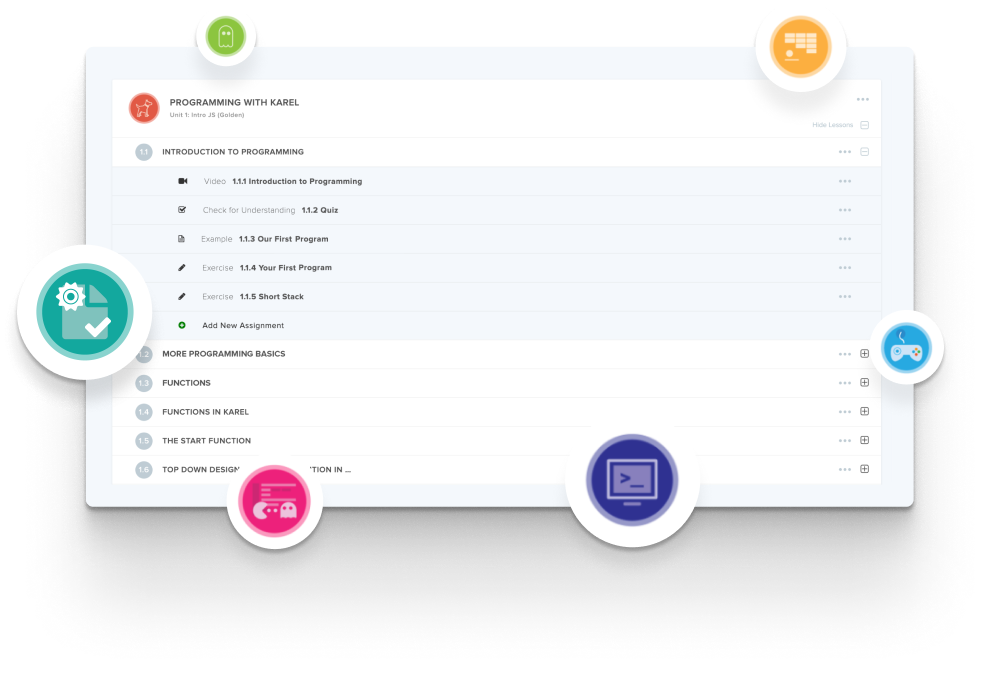
Create and organize Assignments in any CodeHS course that you're teaching. You can even add custom assignments to pre-existing CodeHS courses.
Learn MoreDidn't find what you were looking for? Here are a few links that might be useful to you.
A device that can download and install the Unity platform. The course is not compatible with Chromebooks, so this is the first thing to check before adopting it. Unlike almost every other CodeHS course, it does not run in the browser.
C#, through Unity's scripting system. Students start with Unity scripting basics before building games with it.
Both. There is a unit on developing 2D games and a separate unit on developing 3D games, plus a unit on virtual reality environments.
The course guides students in completing two entire games and a handful of game elements.
The CodeHS Game Development pathway at 11th grade, the South Carolina CTE Game Development pathway at 11th grade, and the Utah state pathway at 12th grade.
About 140 contact hours, built to run across a full school year.
Prior programming experience is beneficial, though not required. The course focuses on the fundamentals of game design and programming, teaching students all they need to know about scripting in C# in Unity in order to create basic games. It is not a full introduction to programming, like the other CodeHS courses, and assumes some comfort in computational thinking.
This is fundamentally the same course as (3.9), but with an updated version of Unity. As a result, some elements in the course have changed in order to address the changes in the Unity platform. As with every iterative release, we recommend using (6.3) as it is more recently updated and better supported.



