




Introduction to micro:bit Programming with Python
- Level Middle School
- Contact Hours 50
- Timeframe Semester
Introduction to micro:bit Programming with Python introduces students to physical computing through interactive activities and hands-on projects. Using micro:bits, students apply basic programming concepts to control LEDs, buttons, and sensors while exploring how software interacts with hardware.
To view the entire syllabus, click here or click to explore the full course.
MODULES - 3
Students learn the basics of the micro:bit, such as how to light up and change the brightness of LEDs and how to use variables to write more versatile programs.
Students combine control structures, such as if/else statements and loops, with the micro:bit built-in and external sensors to write programs that react to the outside world.
Students explore all of the capabilities of the micro:bit on their own as they research, explore, and teach their peers about new sensors.
Explore programs that your students will build throughout this course!
Here are a few examples of teacher resources and materials to use in the Introduction to micro:bit Programming with Python course
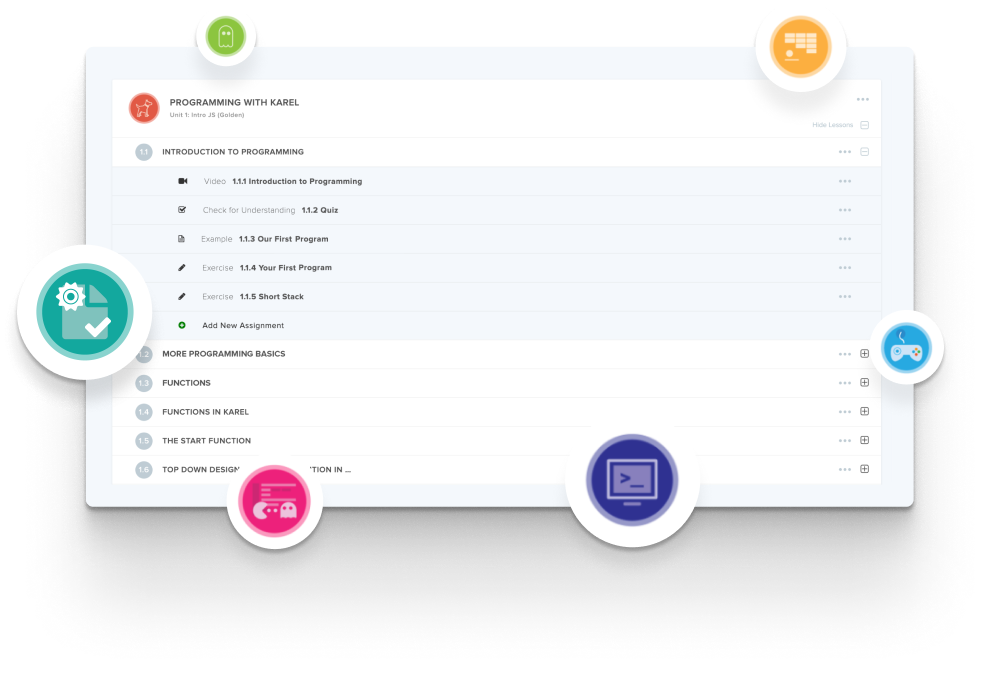
Create and organize Assignments in any CodeHS course that you're teaching. You can even add custom assignments to pre-existing CodeHS courses.
Learn MoreDidn't find what you were looking for? Here are a few links that might be useful to you.
This is a 50-hour course that introduces middle school students to physical computing by combining foundational computer science concepts with hands-on programming using the BBC micro:bit. Students write Python programs that interact with real hardware such as LEDs, sensors, buttons, speakers, and servo motors.
The previous version mixed JavaScript and Python because MakeCode initially lacked Python support; lessons are now Python throughout since MakeCode added Python support.
This course is ideal for middle school students in grades 6 through 8, classes looking for a hands-on blended computing experience, schools using micro:bit kits who want Python integration, and students currently learning introductory Python.
An introduction to basic programming structures such as variables, loops, conditionals, and functions is recommended, but no physical computing experience is needed.
Educators asked for the Intro to Programming with Tracy the Turtle and micro:bit course to let students code their micro:bits in Python instead of JavaScript. To meet that need, CodeHS took the videos, handouts, examples, exercises, and explorations from the Introduction to Physical Computing with micro:bit course and rewrote them in Python.
The course is 50 hours, but it's flexible and can be taught as a 30-hour quarter course or extended up to 60 hours with advanced micro:bit projects.
Students write Python programs in the browser using the MakeCode editor, explore how software interacts with the physical world, build interactive systems using LEDs, sensors, sound, and movement, and work through engineering problems using pseudocode and planning.
No. The course works with physical micro:bit devices, but it's fully supported in simulation, and downloading code to a physical micro:bit is optional.
No. Everything runs in the browser, so no installations are required.
Teachers can teach this course as a standalone Python-based option, or pull content from it to use within Intro to Programming with Tracy the Turtle and micro:bit.
The overview page is at https://codehs.com/course/26839/overview, and the syllabus is at https://codehs.com/syllabus/26839.



