




Texas Computer Science 1
- Level High School
- Contact Hours 145
- Timeframe Year
This course fosters students' creativity and innovation by presenting opportunities to design, implement, and present meaningful programs through a variety of media. Through data analysis, students access, analyze, and evaluate information needed to solve problems.
To view the entire syllabus, click here or click to explore the full course.
MODULES - 13
Students learn about the history of computing, and about the various parts that make up modern computers. Students also consider the impact computing has had on today's world, and the impacts computing could potentially have in the future.
Students learn the basics of programming by giving Karel the Dog commands in a grid world.
Students apply all the foundational concepts from Intro to Karel to solve new challenges.
Students learn about Internet etiquette and how to stay safe on the world wide web. They also look at the potential effects of their digital footprints, how to protect information from online risks, and the implications of cyberbullying. Finally, students learn how to find and cite quality resources online.
Students learn the basics of JavaScript including variables, user input, mathematics, and basic graphics.
Students learn how to pair program while tackling more challenging tasks with JavaScript graphics.
Students learn how to use control structures such as if/else statements and loops to make advanced programs in JavaScript.
Students apply the foundational concepts from the Control Structures unit to solve new challenges.
Students learn to write reusable code with functions and parameters.
Students learn how to make objects move around the screen and let users interact using the mouse!
Students learn how to make their own Breakout game from scratch using JavaScript.
Students are introduced to lists/arrays, maps/objects, sets, and grids. Students learn how each is used to store and manipulate data, and make choices about which to use given the context.
Students learn about what makes an engaging and accessible user interface, and will employ an iterative design process including rapid prototyping and user testing to design and develop their own engaging projects.
Explore programs that your students will build throughout this course!
Here are a few examples of teacher resources and materials to use in the Texas Computer Science 1 course
| Standards Framework | Alignment |
|---|
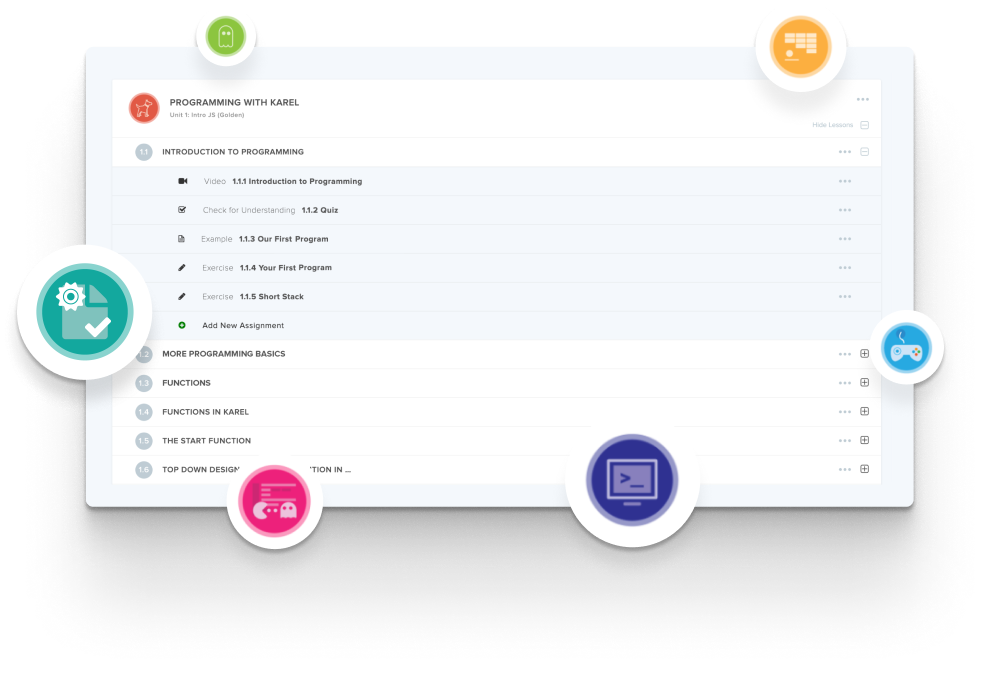
Create and organize Assignments in any CodeHS course that you're teaching. You can even add custom assignments to pre-existing CodeHS courses.
Learn MoreDidn't find what you were looking for? Here are a few links that might be useful to you.



