CodeHS Back to School Guide
Welcome back to school! While some of you may have already been back in the classroom for a month+, we wanted to make sure to pass along our Back to School Guide to help you get set up and prepared for a year of teaching with CodeHS. This guide includes resources to help make sure you’re ready for the year ahead.
Course Update: Mix and Match
There’s more to explore in our Mix and Match Middle School Course! We’ve updated the Exploring Computing module with new activities designed to make learning more engaging, approachable, and interactive.
Students will now find more hands-on interactive activities, additional scaffolding, and clearer support throughout the module as they explore topics like hardware and software, the cloud, the Internet of Things, ethics in technology, and the future of computing.
We’ve also updated the Exploring Computing module where it appears in our state-aligned middle school courses, so students in those courses can benefit from these improvements too.
Typing Curriculum
Typing is a self-paced add-on curriculum that makes learning to type both fun and effective. Fully integrated into the CodeHS and CodeHop platforms, it gives students live feedback, lets them earn badges as they improve, and helps them track their progress on words per minute and accuracy.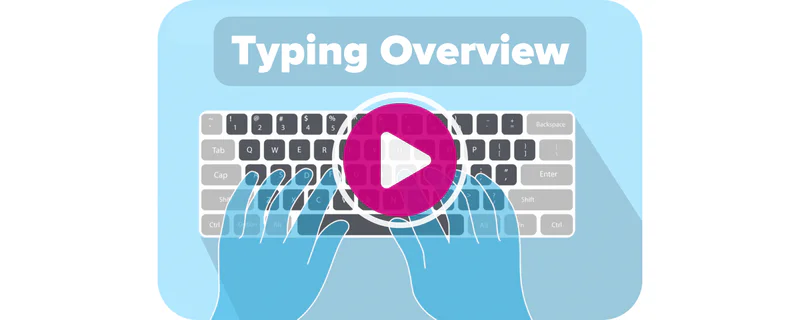
Teachers can monitor performance in real time, set personalized goals, and support students as they build essential typing skills.
Block Coding in the Sandbox
You can now easily create sandbox programs for block coding languages.
It’s easier than ever for students to use the CodeHS sandbox to do block coding.
On your sandbox page you can go to the block coding section to see all available block coding types including block coding in Karel, Tracy, Music, HTML, and CodeHop.
We are excited to see what your students can create!
Karel Now Works With Every CodeHS Tool
Karel now runs in the same editor as everything else, so Code History, academic integrity, collaboration, and step-through debugging all work with Karel in both assignments and the Sandbox.
Digital Wellness Tip: Give Your Eyes a Break
Middle school students spend a lot of time looking at screens throughout the school day. Help them build healthy habits by encouraging short screen breaks when possible.
/A simple strategy is the 20-20-20 rule: every 20 minutes, look at something about 20 feet away for 20 seconds.
Students can also use transitions between activities as a reminder to stand up, stretch, blink, and reset before returning to their screens.
Small breaks can help students stay comfortable, focused, and ready to learn throughout the day.
Stay Connected
Share a picture or testimonial from your classroom on Twitter or Instagram and be sure to tag us. We would love to see how you’re using CodeHS in your classroom.
You can follow us on TikTok, Facebook, and Instagram!
- The CodeHS Team